Send email with MCP
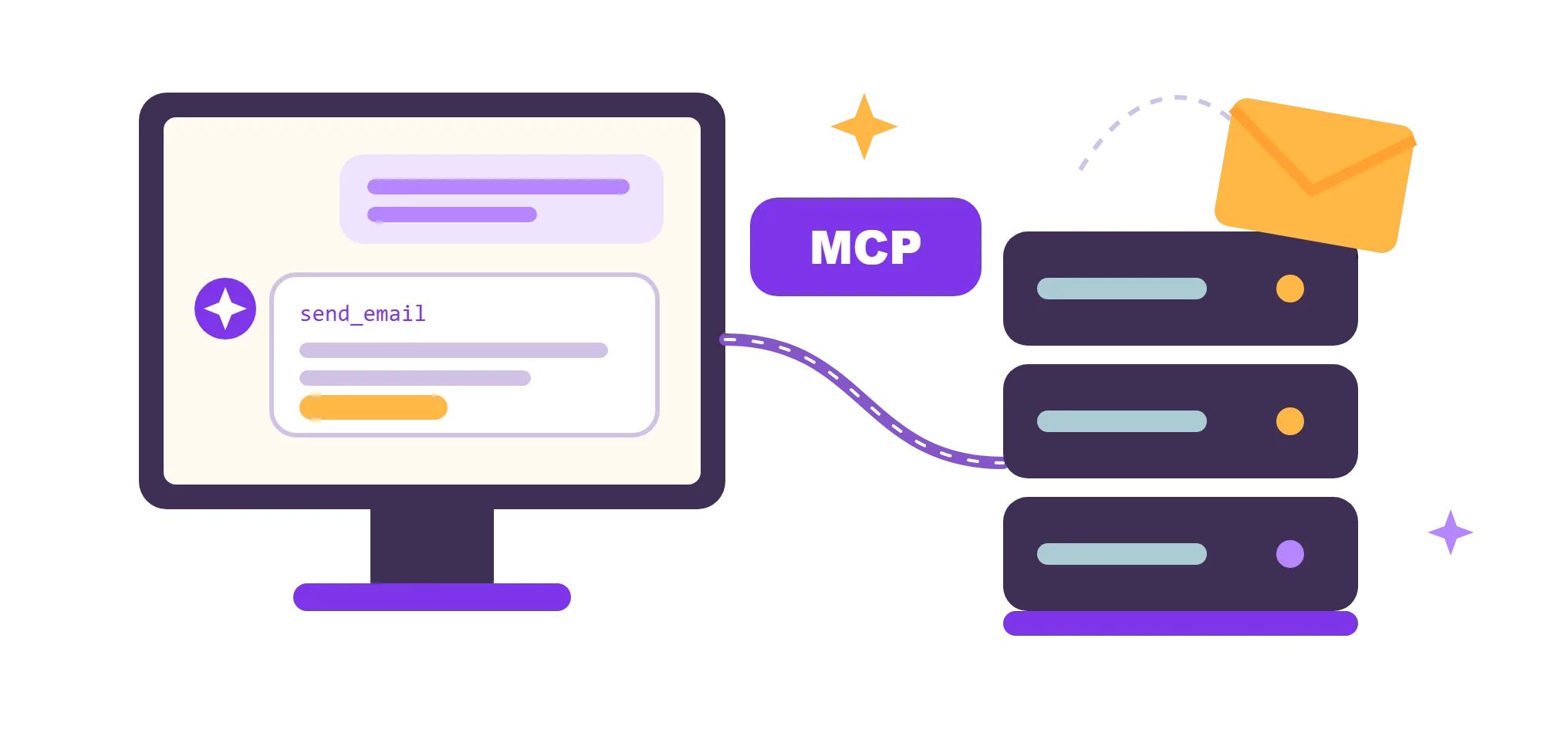
Point your AI agent at UniOne's hosted MCP server and let it handle email: send messages, set up your domain, build templates and wire up webhooks, all in plain language. Nothing to install, nothing extra to pay.
Quick start
Add UniOne in one step
Server URL:
https://mcp.unione.io/mcp
One URL works for every agent. Sign in to UniOne in your browser and allow access: there is no API key to copy. Running in CI or want to limit the agent to one project? Connect with an API key.
Setup for every client, including Windsurf, Claude and ChatGPT, is in the MCP server docs.
claude mcp add --transport http unione https://mcp.unione.io/mcp
# then run /mcp, select unione and choose Authenticatecodex mcp add unione --url https://mcp.unione.io/mcp
codex mcp login unione// ~/.cursor/mcp.json, then click Needs login
{
"mcpServers": {
"unione": { "url": "https://mcp.unione.io/mcp" }
}
}// .vscode/mcp.json, then click Start
{
"servers": {
"unione": { "type": "http", "url": "https://mcp.unione.io/mcp" }
}
}URL: https://mcp.unione.io/mcp
Transport: Streamable HTTP
Sign-in: OAuth, in your browser (UniOne account)Prompts
Ask your agent to…
Copy a request into your agent after you connect the UniOne MCP server.
Trusted by Industry Leaders


No DNS
Your first email without DNS setup
Every UniOne account has a sandbox domain: a test domain with DKIM and SPF already set up. Your agent uses it to send a real email before you touch DNS records.
The sandbox sends only to confirmed addresses: up to 10 recipients and 100 emails a day. To email your users, ask the agent to set up your own domain.
Agentic tools
Everything your agent needs for transactional email
32 tools give your agent what it needs to ship transactional email: sending, domains, templates, webhooks and more. See every tool with its type in the MCP server docs.
Security
Safe by design
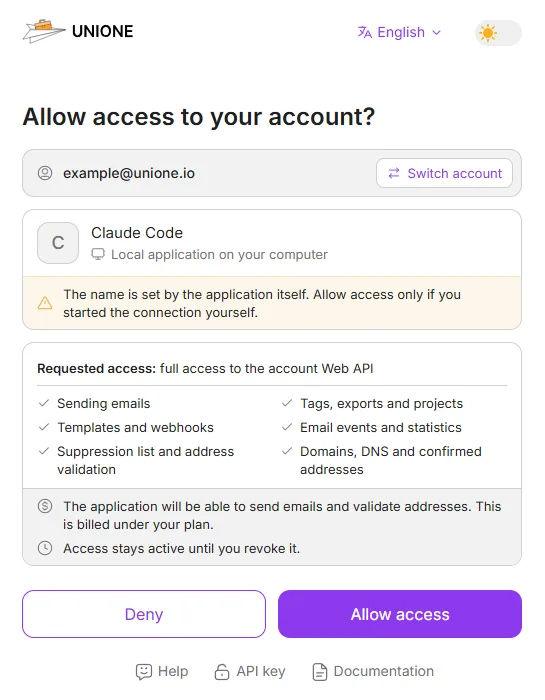
- You see what you allow. When you connect by signing in, UniOne shows the account, the application and the access it requests. Allow access only if you started the connection yourself.
- You confirm risky actions. Tools that send email, overwrite or delete are marked destructive, so MCP clients ask you to confirm before the agent uses them.
- Your secrets stay private. When you sign in, the agent never sees your password or API keys. Keys and tokens are never written to our logs.
- You choose the scope. Signing in gives the agent access to your whole account. To limit it to one project, connect with that project's API key.
- You can revoke access at any time. Open Settings → Security → Connected applications. Other applications and your API keys keep working.
- Same rules as the API. Every tool calls the public Web API, with the same limits, billing and permissions.
Customer Testimonials


Where MCP fits
MCP or API?
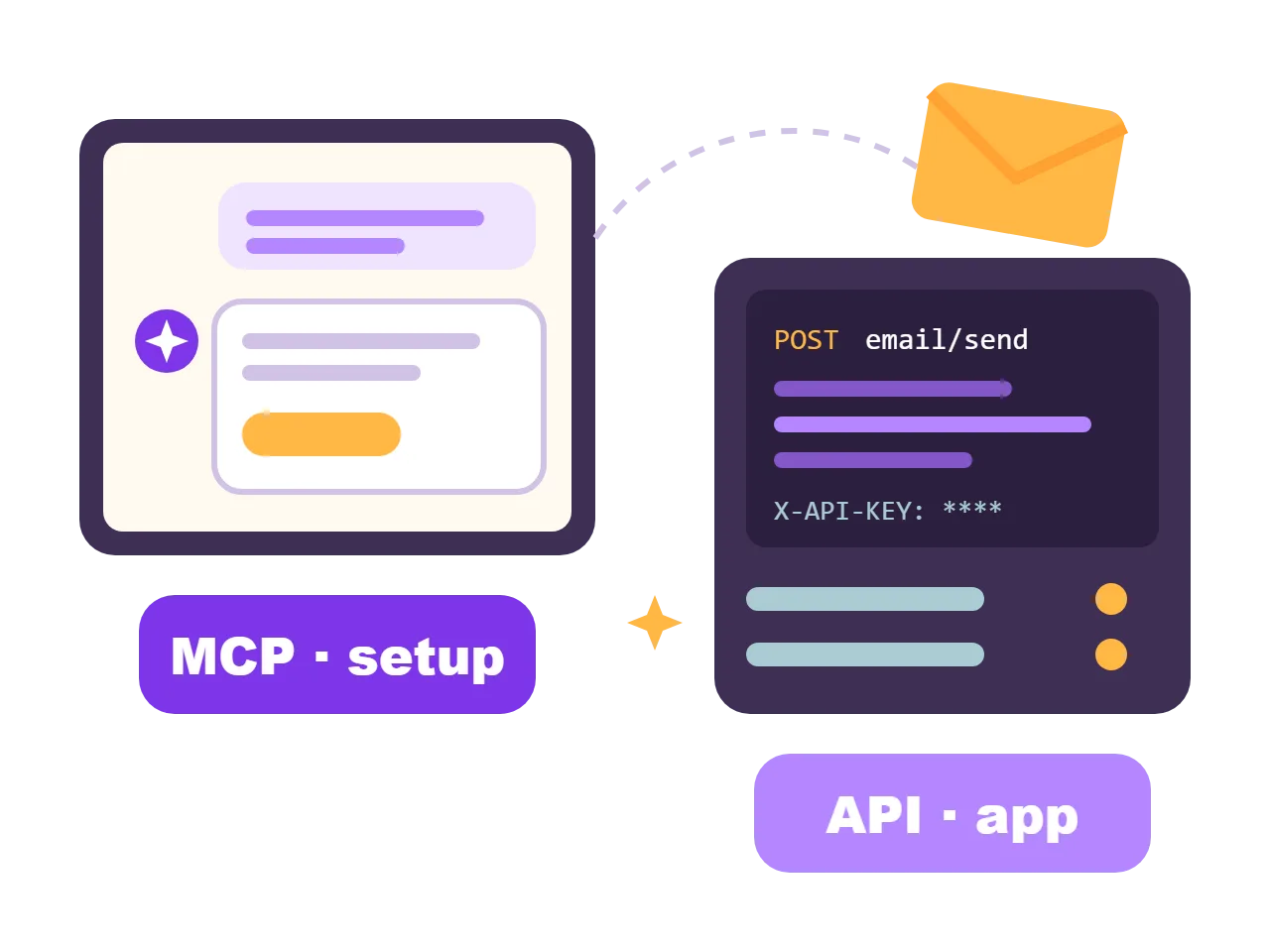
Use MCP to set things up and check them from a chat: the sandbox, your domain, templates, webhooks and the suppression list. In your application, send email with the Web API from your server, with the key in an environment variable. The setup prompt on UniOne for AI agents gives your coding agent both.
FAQ
An MCP (Model Context Protocol) server gives AI agents tools to work with a service. The UniOne MCP server lets agents send email and manage your UniOne account: domains, templates, webhooks, the suppression list and email validation. Your agent picks the right tool when you ask in plain language.
No, with most clients you don't. Add the server URL and sign in to UniOne in your browser. Use an API key in the
Authorization: Bearer header for Windsurf, CI and agents without a browser, or to limit an agent to one project.Nothing extra. You pay for what the tools do, as with the API: the emails you send and email validations. The Free plan includes 100 emails a day and 5 email validations a month, with no credit card. On it, you send from your verified domain or the sandbox domain to addresses on your own domain or to confirmed addresses.
Tools that send or delete are marked destructive, so MCP clients ask you to confirm before the agent uses them. Some clients let you turn off these confirmations in their settings. Keep them on for sending.
Any MCP client that supports Streamable HTTP: Claude Code, Cursor, Codex, GitHub Copilot in VS Code and Windsurf, and Claude and ChatGPT, where you add the server URL as a custom connector. Setup for each is in the MCP server docs.

Connect your agent in minutes
The MCP server is free. Create an account, connect your agent and send your first test email from the sandbox domain: no DNS, no credit card.