Email API for AI agents
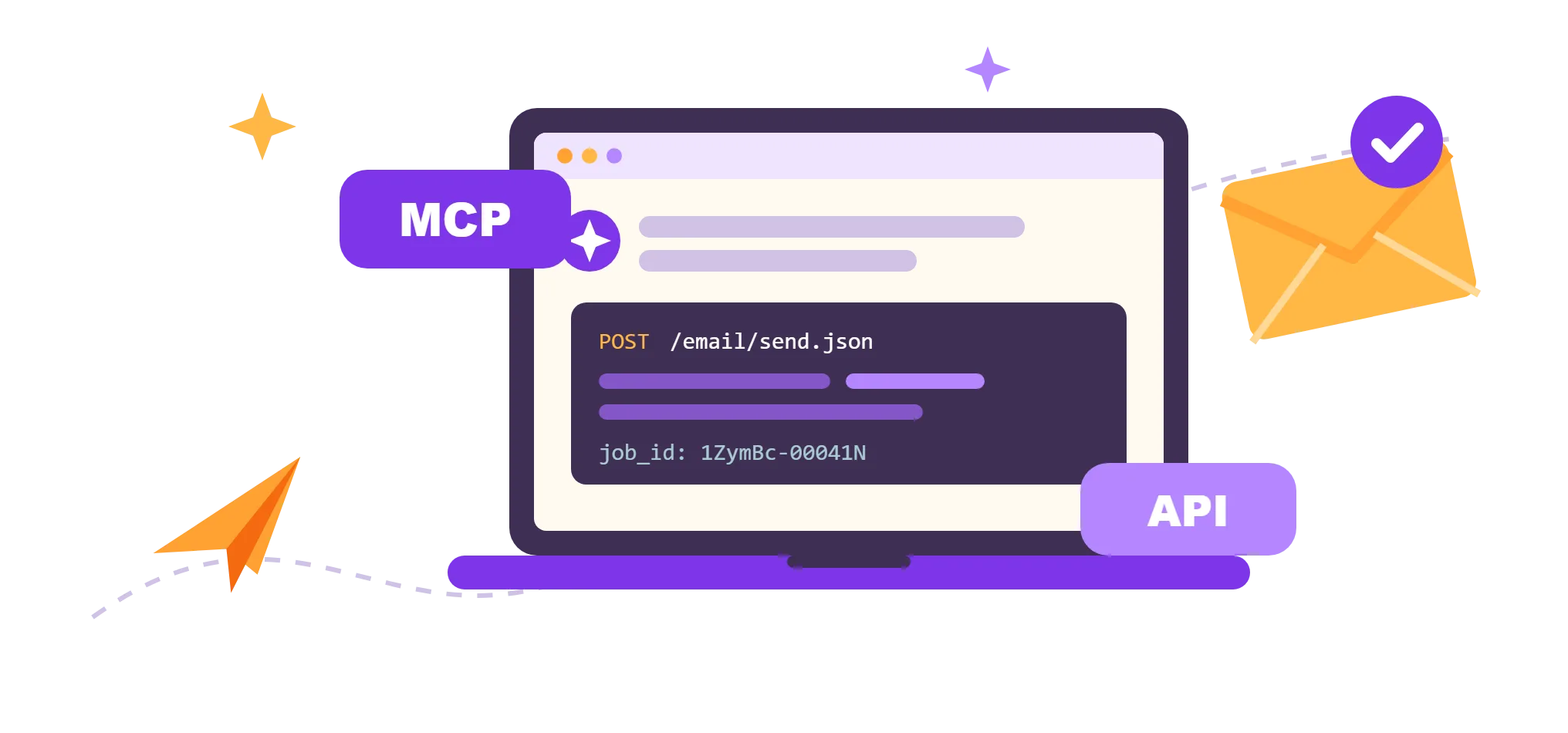
Your first test email in minutes, no DNS setup
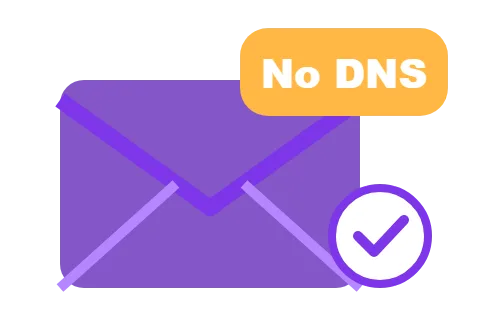
The sandbox is for testing: up to 10 confirmed recipients and 100 emails a day. To email your users, verify your own domain.
Setup prompt for AI coding agents
Paste this prompt into Claude Code, Cursor, Codex or any other coding agent. It reads the UniOne docs, sends a test email from the sandbox domain and adds sending to your app's server code. When you're ready for production, it walks you through verifying your domain.
Docs your agent reads: llms.txt · llms-full.txt · OpenAPI spec · MCP server docs · pricing.md
Trusted by Industry Leaders


Connect the UniOne MCP server
Let your agent handle email in plain language: send messages, get the sandbox domain, set up your own domain, build templates, wire up webhooks, check the suppression list and validate addresses. The server is hosted, so there is nothing to install.
Server URL: https://mcp.unione.io/mcp
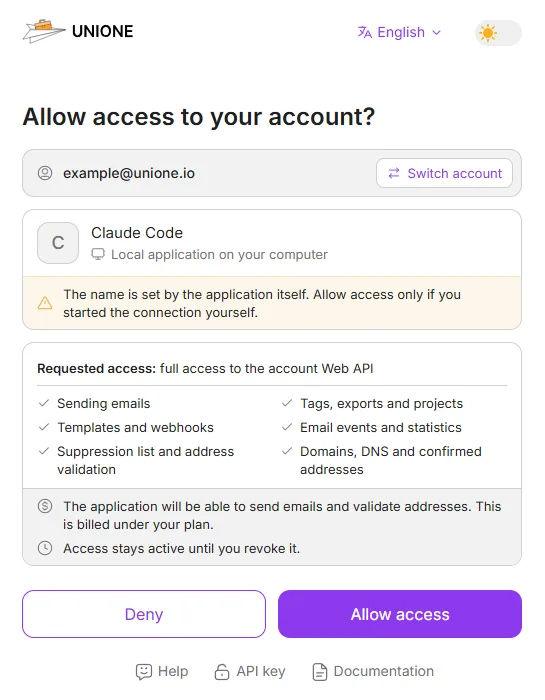
Add the URL to your agent and sign in when it asks: your browser opens UniOne, you click Allow access, and you're connected. There is no API key to copy.
claude mcp add --transport http unione https://mcp.unione.io/mcp
# then run /mcp, select unione and choose Authenticatecodex mcp add unione --url https://mcp.unione.io/mcp
codex mcp login unione// ~/.cursor/mcp.json, then click Connect
{
"mcpServers": {
"unione": { "url": "https://mcp.unione.io/mcp" }
}
}// .vscode/mcp.json, then click Start
{
"servers": {
"unione": { "type": "http", "url": "https://mcp.unione.io/mcp" }
}
}URL: https://mcp.unione.io/mcp
Transport: Streamable HTTP
Sign-in: OAuth, in your browser (UniOne account)- Setup for every client, including Windsurf, Claude and ChatGPT, and all 32 tools: UniOne MCP server docs.
- Ready-made requests to try and what your agent can do: Send email with MCP.
Tools that send or delete are marked destructive, so your client asks you to confirm first. Revoke access at any time in Settings → Security → Connected applications.
Send email from Claude Code, Cursor and other coding agents
 Claude Code
 Cursor
mcp.json and let Cursor send email and set up your domain. Setup → Codex
codex mcp add and sign in from the terminal. Setup → GitHub Copilot
 Windsurf
 Gemini CLI
gemini mcp add and sign in from the terminal. Setup → ChatGPT
 Any MCP client
 Any agent without MCP
Customer Testimonials


Why UniOne for AI-built apps


Email integration rules for AI agents
Your agent gets these rules from the setup prompt. They apply to the code your app runs in production: use them to review what the agent writes.
FAQ
https://mcp.unione.io/mcp. It gives AI agents 32 tools to send email, manage domains, templates and webhooks, and check addresses. Add the URL to your agent and sign in to UniOne in your browser. There is nothing to install. See the MCP server docs.codex mcp add unione --url https://mcp.unione.io/mcp, then codex mcp login unione. In Claude Code, run claude mcp add --transport http unione https://mcp.unione.io/mcp, then /mcp → Authenticate. In Cursor, add the server URL to ~/.cursor/mcp.json and click Connect. Then ask the agent to send a test email. To add sending to your app's code, paste the setup prompt above.
Send your first test email in minutes