Mailgun to UniOne Migration: The Ultimate Guide
UniOne: Your Trusted Email Partner









Benefits of Switching from Mailgun to UniOne
Many teams decide to switch from Mailgun to UniOne for several practical reasons:
| UNIONE | |
|---|---|
| Transparent Pricing | With UniOne, all features are available on every pricing plan. From a 4-month free trial that includes 6,000 emails per month to enterprise-level plans with optimized per-1,000-email rates, you can save up to 40% on sending costs without hidden limitations. |
| Proven Deliverability | UniOne ensures strong deliverability through proactive IP management and adherence to industry best practices. Our 24/7 support team is always available to assist with domain configuration, authentication, and reputation management to help you achieve the best possible sending results. |
| Easy Management | UniOne’s “Projects” feature makes domain configuration, reputation management, and traffic distribution simple and flexible. Easily manage campaigns across different use cases, regions, industries, or clients – all within a single account. Ideal for developers, enterprises, agencies, and white-label resellers. |
| Email Validation | Email validation is included in all pricing plans. Free verification credits allow you to test our email validation API at no additional cost and add an extra layer of protection to your subscription or sign-up forms. |
| Reachable Support | Tired of waiting 2–3 business days for a ticket response? With UniOne, you receive live chat responses in as little as 10 minutes. Our friendly support team monitors requests 24/7. Prefer email? You’ll receive a reply faster than it takes to brew and enjoy a cup of coffee. |
Migration Preparation Steps
Migration Workflow: Step by Step
Getting started with UniOne is simple – most users complete the initial setup in under 30 minutes.
Create Your Account
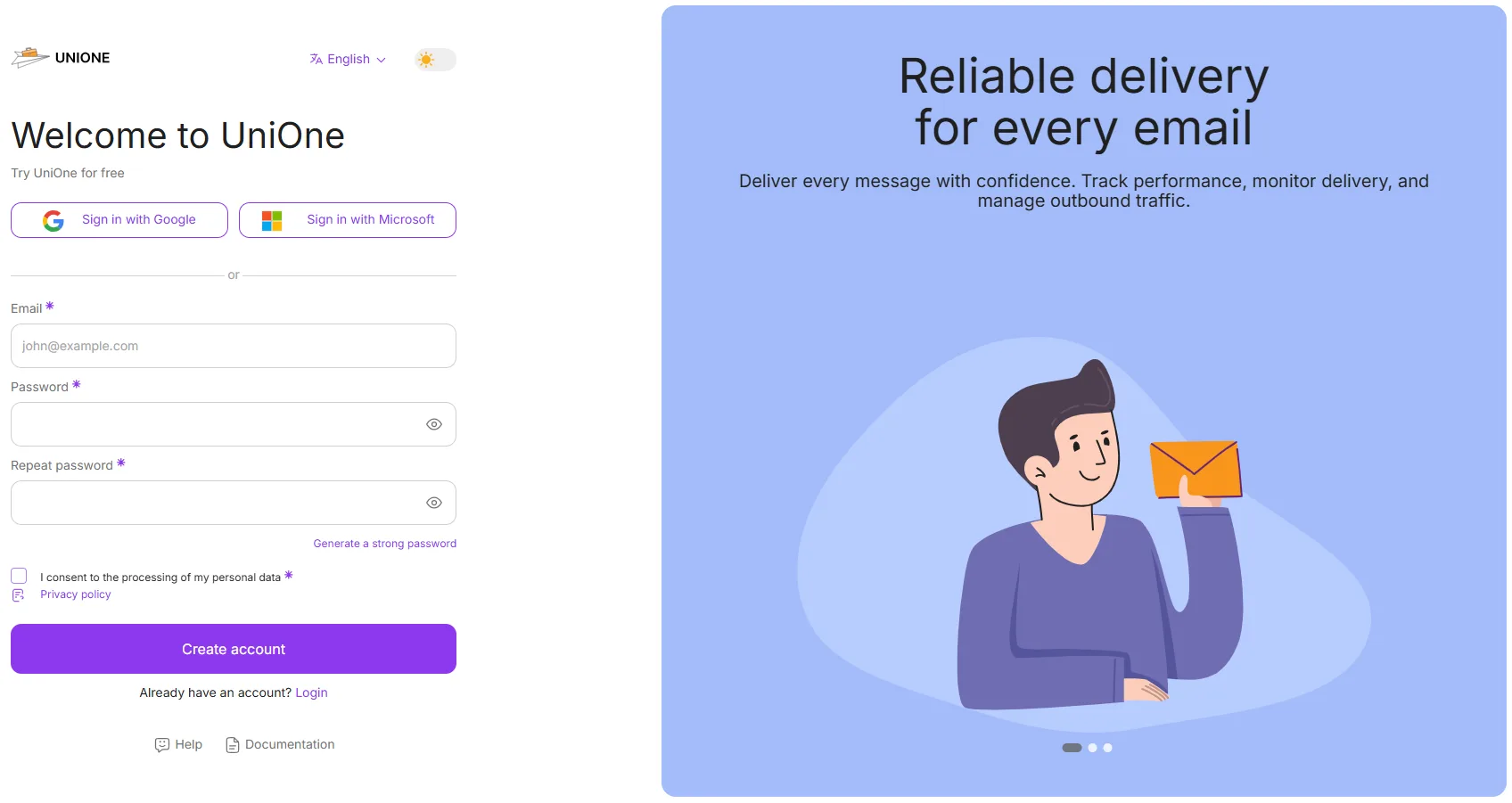 Sign up for UniOne and activate your account. You can begin testing immediately using the Sandbox domain before completing full DNS verification.
Verify Domains in UniOne
Add your sending domain and complete the verification by updating the required DNS records:
- • SPF
- • DKIM
- • DMARC (recommended)
- • Tracking domain
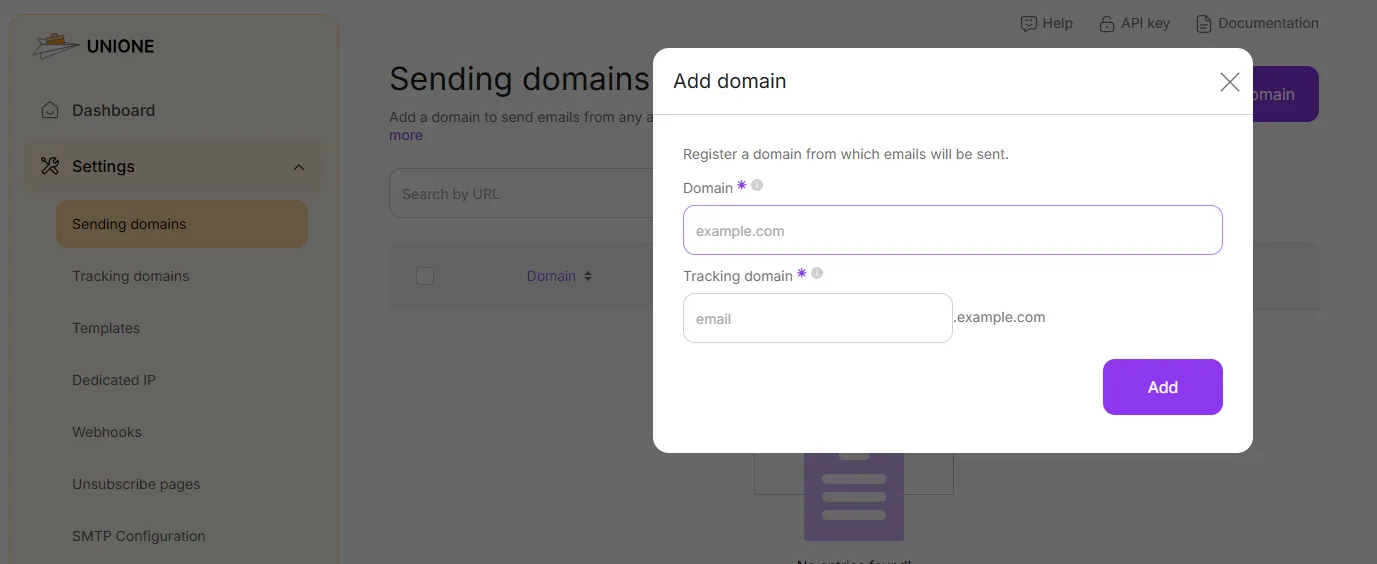
Proper domain verification is essential for maintaining deliverability during your migration.
Configure Email Sending via UniOne SMTP
To migrate SMTP sending:
- • Replace the Mailgun SMTP host with the UniOne SMTP server
- • Update your username and password
- • Confirm the correct port (587 recommended for TLS)
- • Test sending (our free SMTP Debug Tool is ideal for this)
These steps ensure a seamless SMTP transition with minimal downtime.
Configure Email Sending via UniOne API
For email API migration, update:
- • API endpoint URL
- • API Key(s) for authentication
- • Requests format (if needed)
UniOne’s REST API is developer-friendly and supports all major programming languages. Webhooks are available for real-time event tracking, similar to Mailgun.
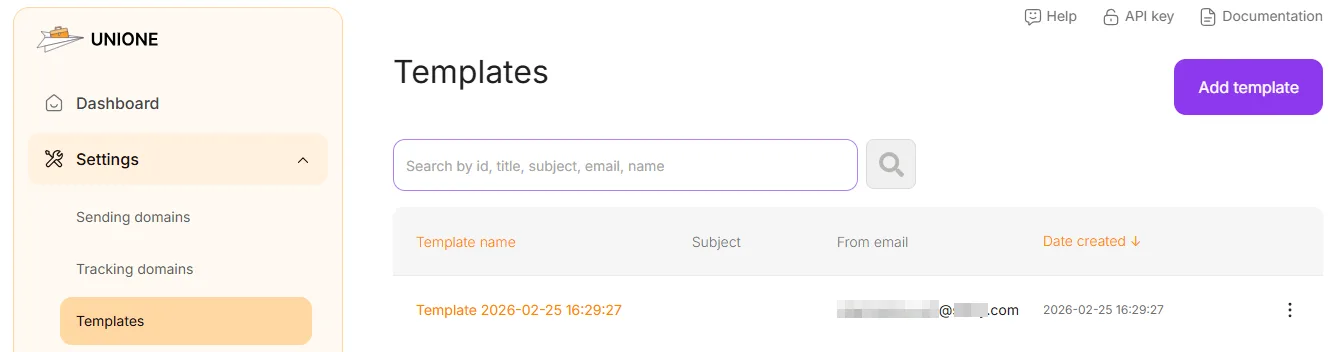
Recreate Your Templates
Import your exported templates into UniOne’s template editor or rebuild them using the built-in email builder. For dynamic content, UniOne supports Simple, Velocity, and Liquid template engines for flexible personalization.
Test Before the Full Switch
We recommend running both platforms in parallel for a short period. Gradually route a small percentage of traffic through UniOne to verify deliverability and configuration accuracy before completing the migration.
Account Permissions & Administration
UniOne offers flexible access controls for teams. You can:
• Assign user roles
• Manage multiple sending projects
• Restrict API access using IP filtering
This ensures full control over configurations and sending activity during and after migration.

FAQ

Need Professional Migration Assistance?
We’ll help you switch smoothly, securely, and without unnecessary disruption.
In the meantime, take advantage of our 4-month free trial, which includes 6,000 monthly email credits — giving you plenty of room to test and transition with confidence.